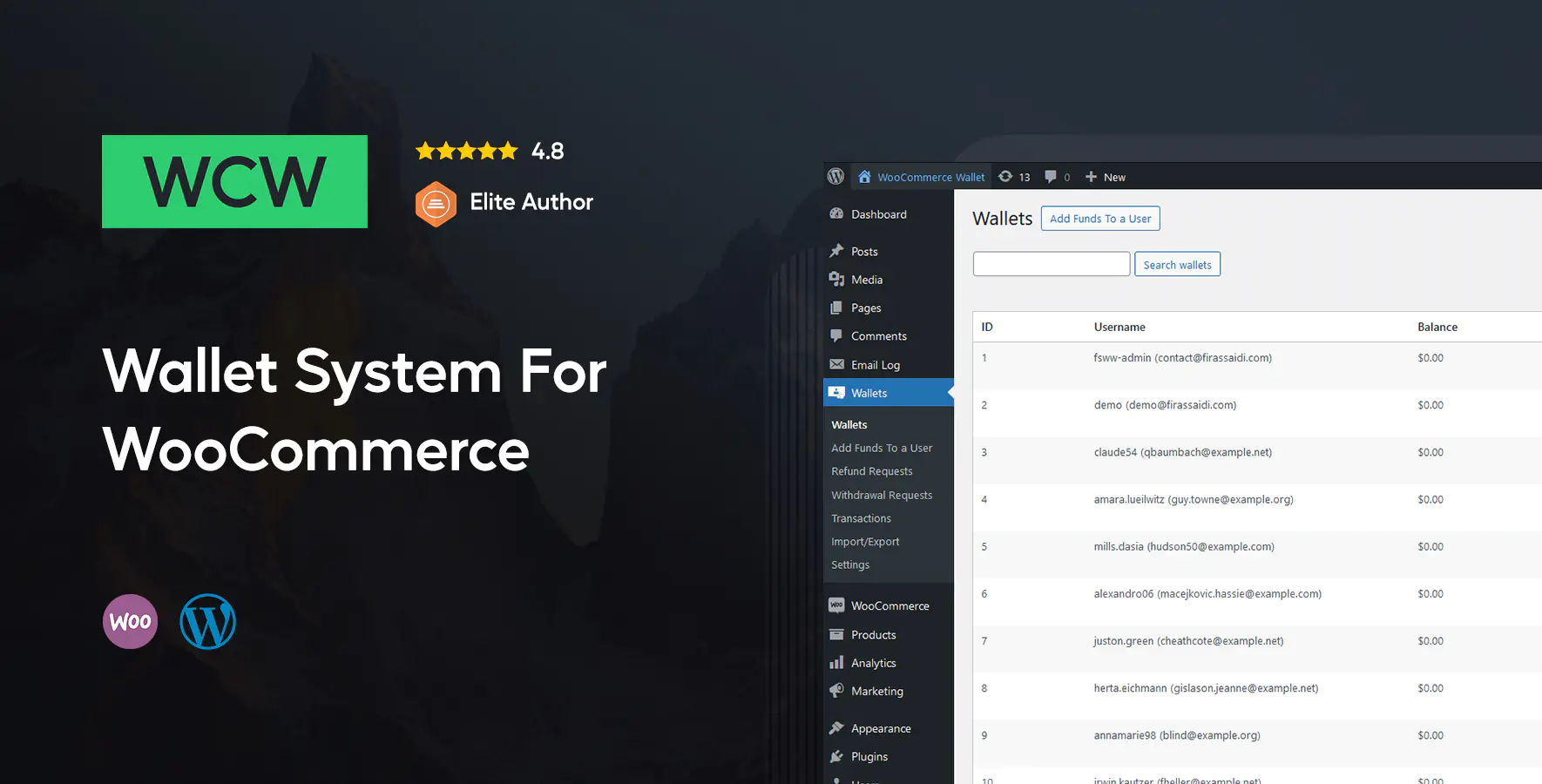
WooCommerce Wallet is a WordPress plugin that allows you to let customers pay at checkout using funds already deposited in their wallet. It also includes a refund system that allows you to return amounts directly to the user wallet instead of the original payment method.
The wallet dashboard lists customers who have wallet activity, with an option to show all customers from the settings page. It allows you to add funds, withdraw funds, lock wallets, and define minimum and maximum withdrawal amounts. A locked wallet cannot be used during checkout.
It allows you to configure refund fees, withdrawal fees, and transfer fees as fixed amounts or percentages, giving you full control over wallet related costs and operations.
It allows customers to submit refund requests when refunds are enabled. You can approve or reject them, define refund reasons, delete withdrawal requests, and quickly process pending actions by showing unanswered refund and withdrawal requests first.
All wallet transactions are recorded and can be filtered by user. It allows you to export transactions and withdrawal requests, while customers can view their full transaction history from their WooCommerce account page.
It allows you to configure cashback per product or variation as a fixed amount or a percentage of the product price, automatically credited to the customer wallet.
It allows customers to use their available wallet balance as a partial payment when funds are insufficient and pay the remaining amount using another payment method.
It allows customers to add funds using pre made packages, custom amounts, or both at the same time. You can create deposit packages with optional bonuses or allow users to enter a custom amount.
It allows you to create hidden credit products by setting the category to WooCommerce Wallet Credit. These products act as predefined deposit options and do not appear in the shop.
[fsww_deposit] displays a deposit or top up form
[fsww_balance] shows the current user wallet balance
[fsww_transactions_history] displays the current user transaction history
Shortcodes can be used on pages or widgets.
It allows you to show the wallet balance in the site menu with an improved display and a dedicated wallet icon. The in menu balance option must be enabled from the settings page.
Wallet balances are encrypted, making manual balance manipulation impossible even if the database is compromised.
The plugin includes .po, .pot, and .mo files for easy translation.
We provide 24/7 support and detailed documentation to ensure a smooth setup and usage experience.
This plugin is not built for multisite installations.
Category:
Files Included: